A salon booking agent that books, moves and cancels by message, and reports to the owner
01 — The challenge
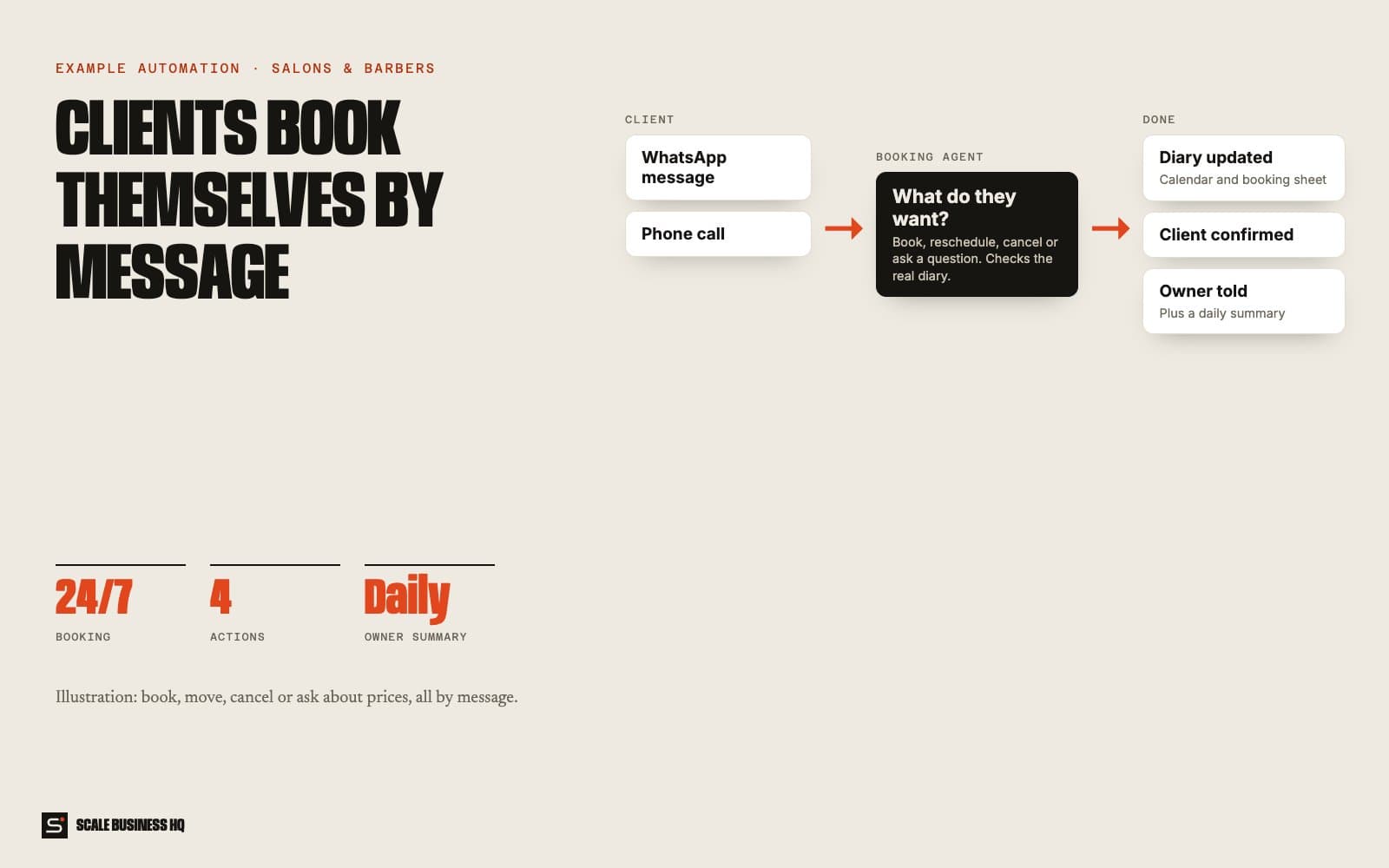
Stylists cannot answer the phone with scissors in hand. Booking, moving and cancelling by message means constant back-and-forth, and gaps left by cancellations stay empty.
- 24/7booking by message
- 4actions: book, move, cancel, ask
- Liveavailability check
- Dailyowner summary
02 — How it works, step by step
CustomerAISystemYour team
- 01Customer
A client messages or calls
They want to book, move or cancel an appointment, or ask about prices.
- 02AI
The agent works out what they want
It picks out the request, the service, the day and time from an ordinary message.
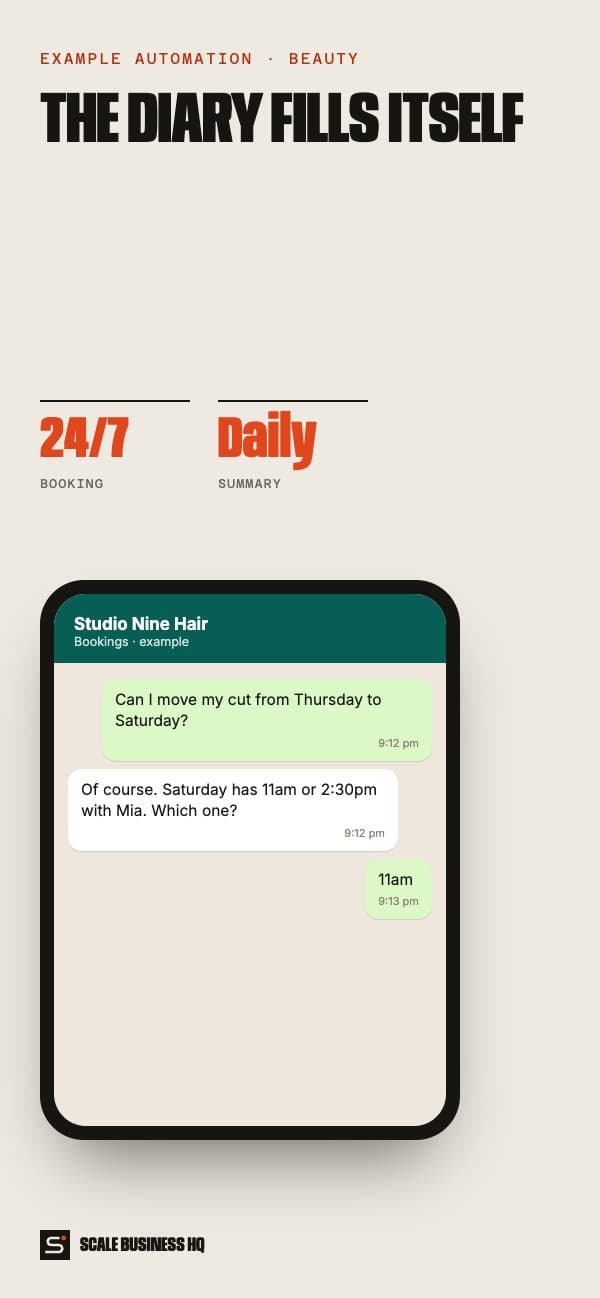
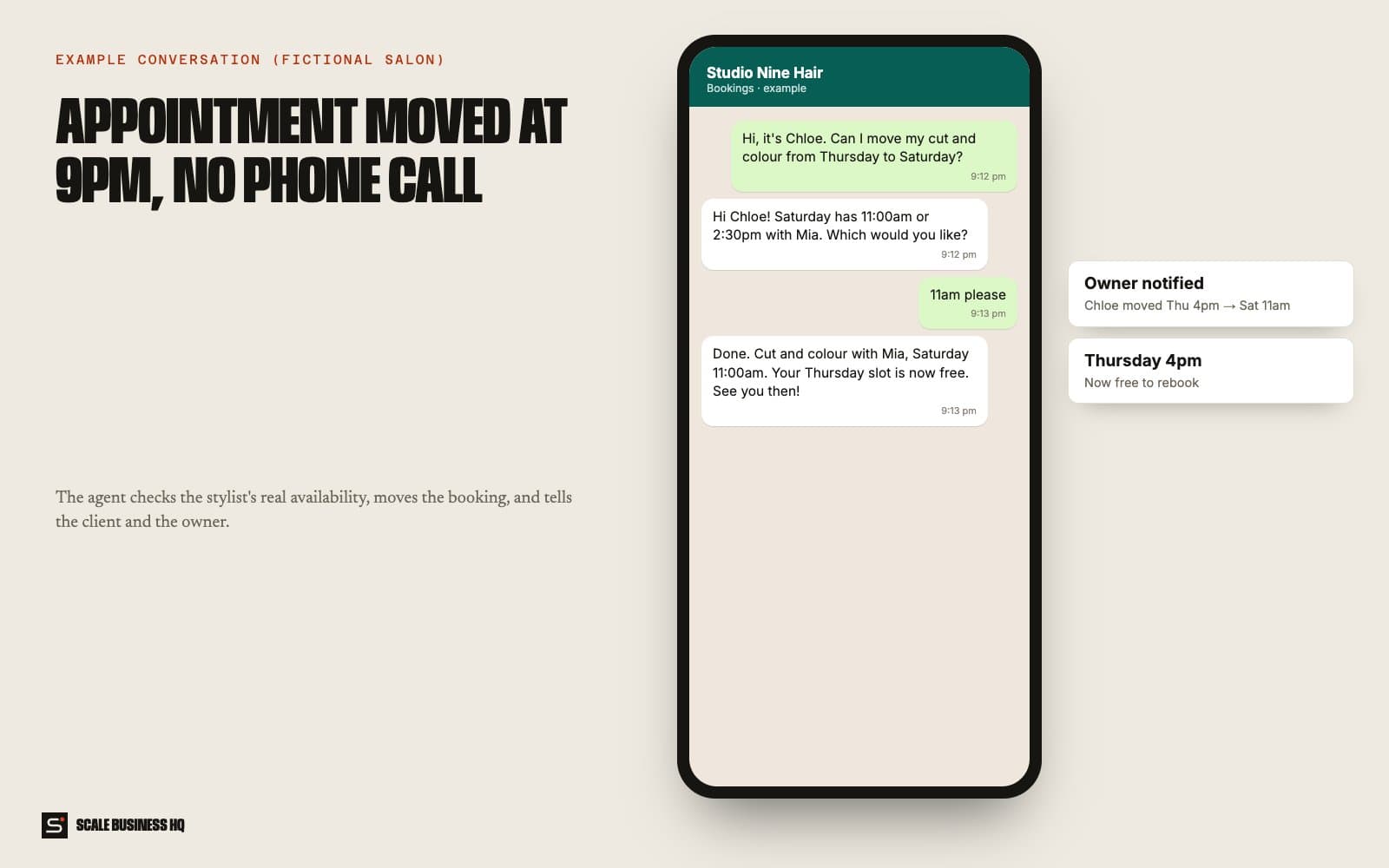
Studio Nine HairWhatsApp · exampleHi, it's Chloe. Can I move my cut and colour from Thursday to Saturday?
- 03System
It checks real availability
Before offering anything, it checks the stylist's calendar.
Studio Nine HairWhatsApp · exampleHi Chloe! Saturday has 11:00am or 2:30pm with Mia. Which would you like?
11am please
- 04System
It makes the change everywhere
The calendar and booking sheet are updated, and the client gets a confirmation.
Studio Nine HairWhatsApp · exampleDone. Cut and colour with Mia, Saturday 11:00am. See you then!
- 05Your team
The owner is told
Every new booking, change and cancellation is sent to the owner, so there are no surprises.
- 06System
A summary every evening
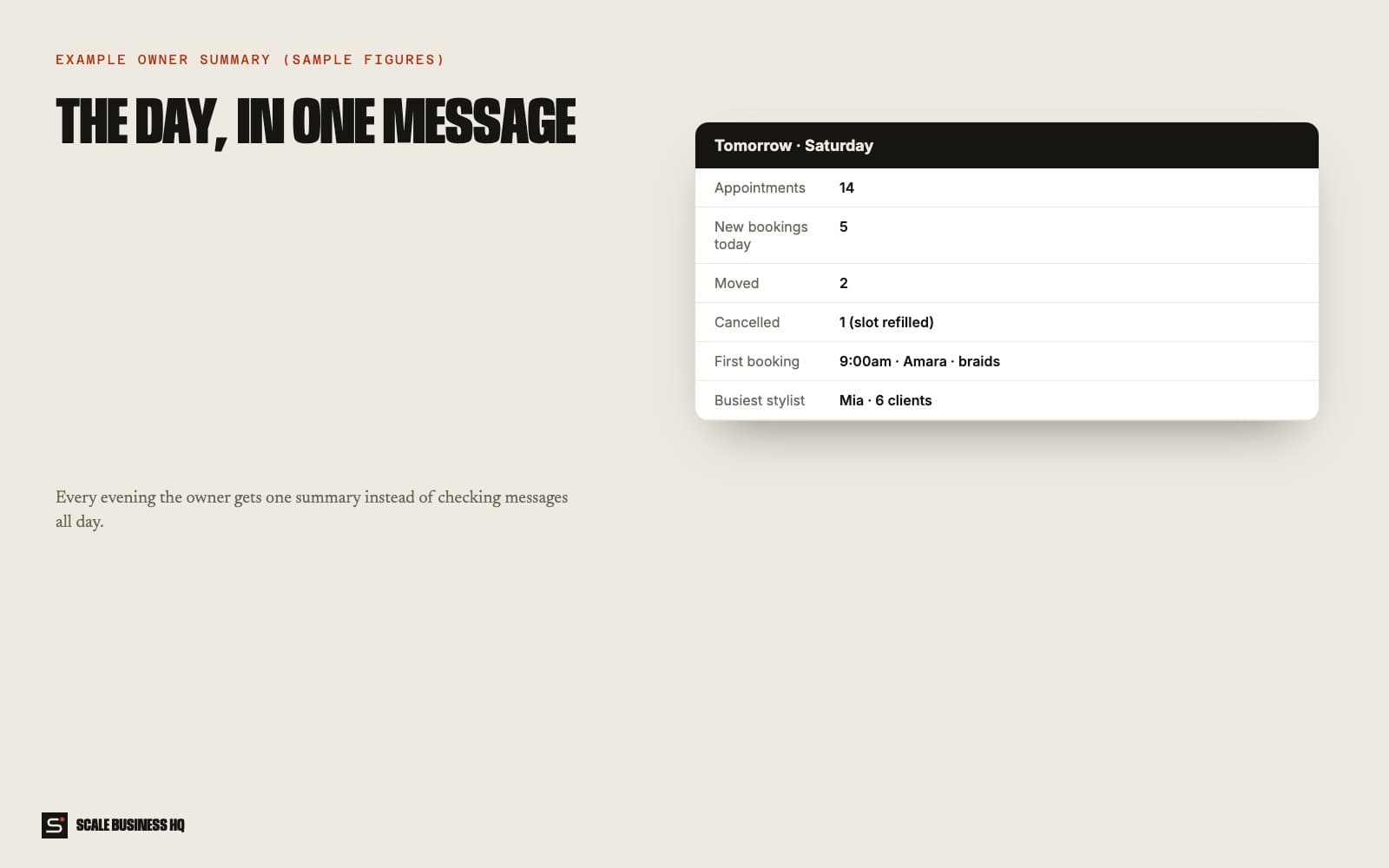
The owner gets one message with tomorrow's appointments and the day's changes.
Tomorrow · Saturday (sample)- Appointments
- 14
- New bookings today
- 5
- Moved
- 2
- Cancelled
- 1
- Busiest stylist
- Mia · 6 clients
Names, messages and figures in these examples are fictional sample data.
03 — What it changes for your business
Bookings while you work
Clients sort themselves out without interrupting a service.
Fewer gaps
Changes are made instantly, so freed slots can be rebooked.
No more message ping-pong
The agent handles the back-and-forth.
The day at a glance
One summary instead of scrolling through chats.
04 — What you need
You provide
- Services, prices and durations
- Stylists and their hours
- Your cancellation policy
Accounts we connect
- WhatsApp number or phone line
- Your calendar
- A booking sheet
Decisions to make
- Which services can be booked without a consultation
- How far ahead clients can book
- What time the summary arrives
05 — How set-up works
- Day 1
Discovery call
We go through how you work today, what the automation should handle and what it must never do.
- Week 1
Build and connect
I connect WhatsApp and your calendar and load your services, prices and stylists.
- Week 2
Test together
You and your team book, move and cancel test appointments to check every step.
- End of week 2
Go live
It goes live with real customers. I watch the first week closely and adjust the wording and rules.
06 — Questions owners ask
Will customers know it's automated?
They should, and it says so up front. People mostly care that they get a fast, accurate answer and can reach a person when they need one.
Can it take deposits?
It can send a payment link with the booking if you want deposits. We set that up during the build.
What if it gets something wrong?
It works from your own information, hands over anything it isn't sure about, and every conversation is logged so you can see exactly what was said and fix the rule.
What does it cost to run?
Running costs are the messaging and AI usage, usually a small monthly amount at a small business's volume. Set-up is a one-off cost. I give a fixed quote after the discovery call.
Want to see this working for your business?
Book a live walkthrough