Maintenance requests for property managers, handled on WhatsApp from report to booking
01 — The challenge
Maintenance requests arrive by phone, text and email, with half the details missing. The same tenant reports the same leak three times, managers chase people for access times, and urgent issues sit in the pile.
- 1short request form
- 3request statuses
- 0duplicate tickets
- Fullconversation history
02 — How it works, step by step
CustomerAISystemYour team
- 01Customer
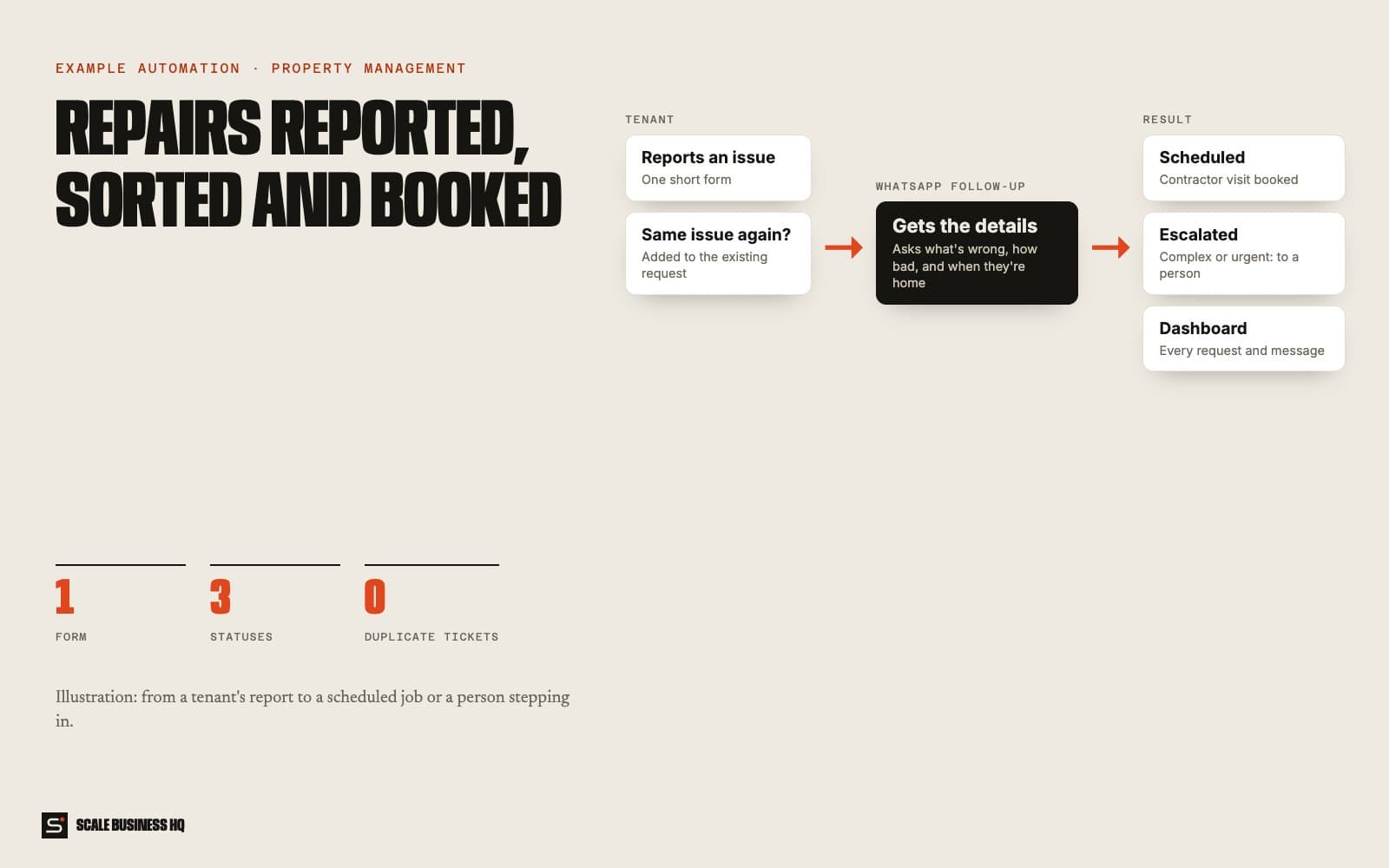
A tenant reports a problem
They fill in one short form: who they are, which property, and what's wrong.
- 02System
Repeat reports are merged
If the same tenant reports the same problem again, it's added to the existing request instead of creating a new one.
- 03AI
It follows up on WhatsApp for the details
The system messages the tenant to ask what's needed: how bad it is, where exactly, and when they're home.
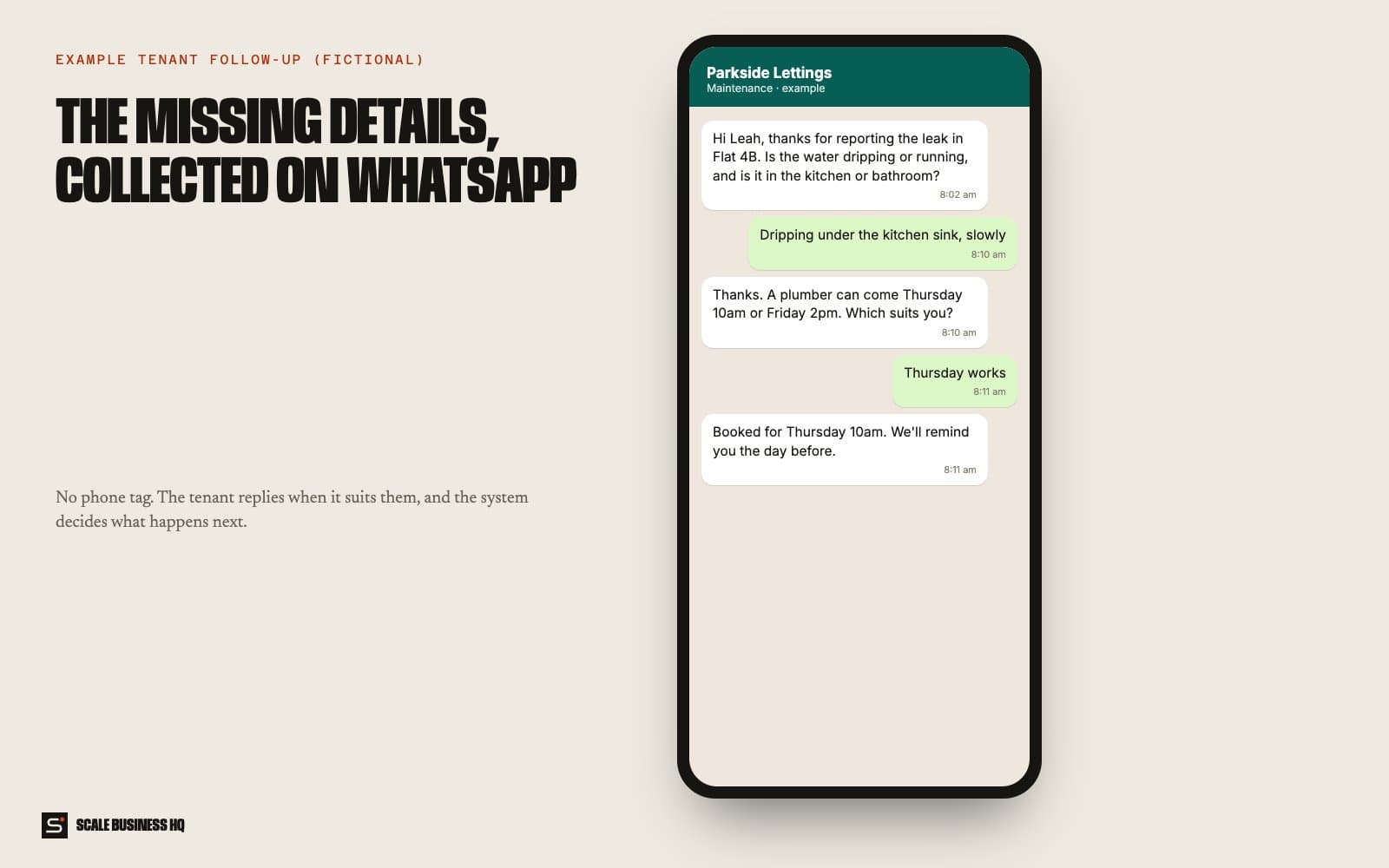
Parkside LettingsWhatsApp · exampleHi Leah, thanks for reporting the leak in Flat 4B. Is it dripping or running, and is it in the kitchen or bathroom?
Dripping under the kitchen sink, slowly
- 04AI
It decides: schedule it, or pass it to a person
Simple jobs are scheduled. Anything complex, urgent or unclear is escalated to a person.
Parkside LettingsWhatsApp · exampleA plumber can come Thursday 10am or Friday 2pm. Which suits you?
Thursday works
Booked for Thursday 10am. We'll remind you the day before.
- 05Your team
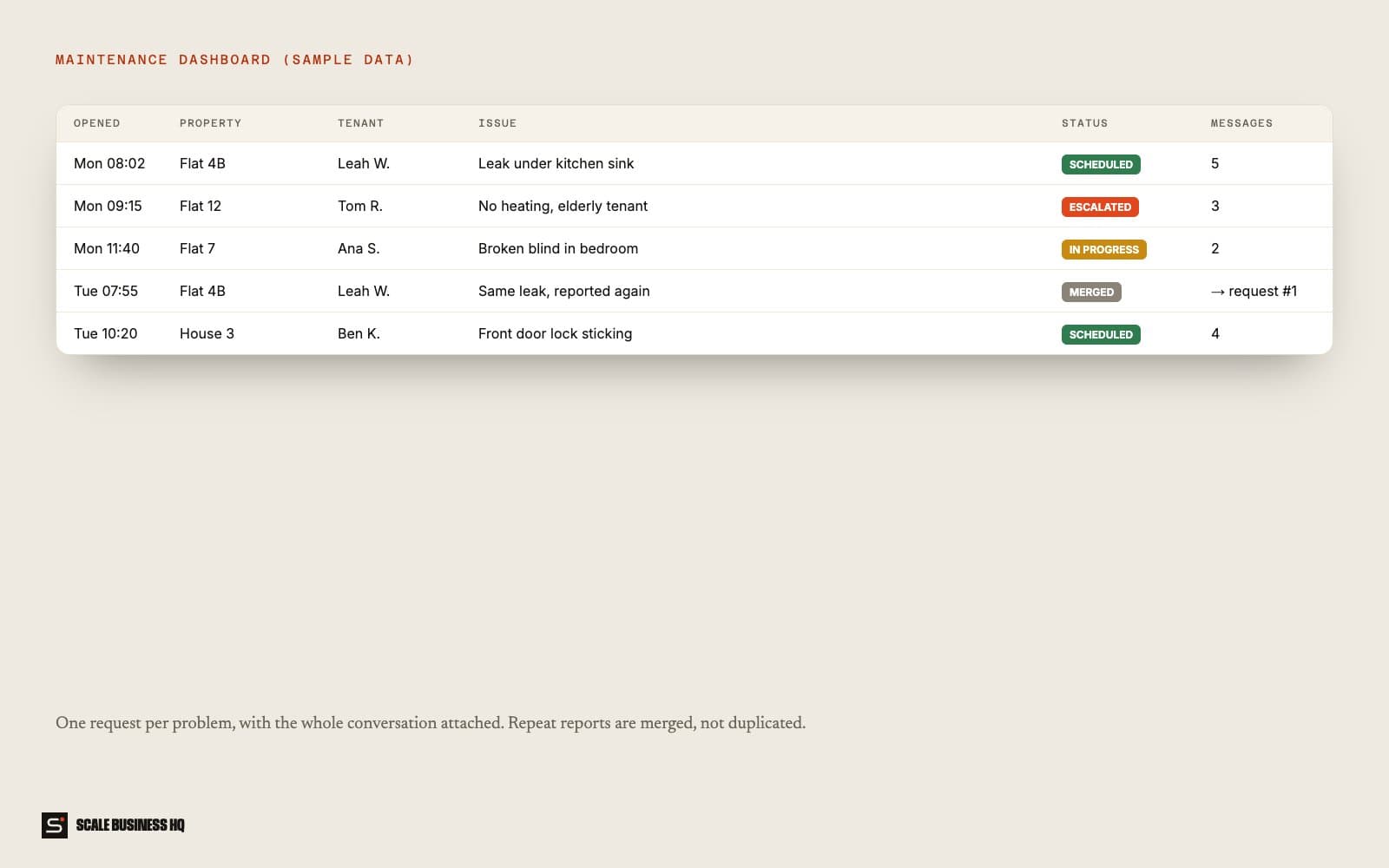
The manager sees every request in one dashboard
Each request shows its status and the full conversation, so anyone can pick it up.
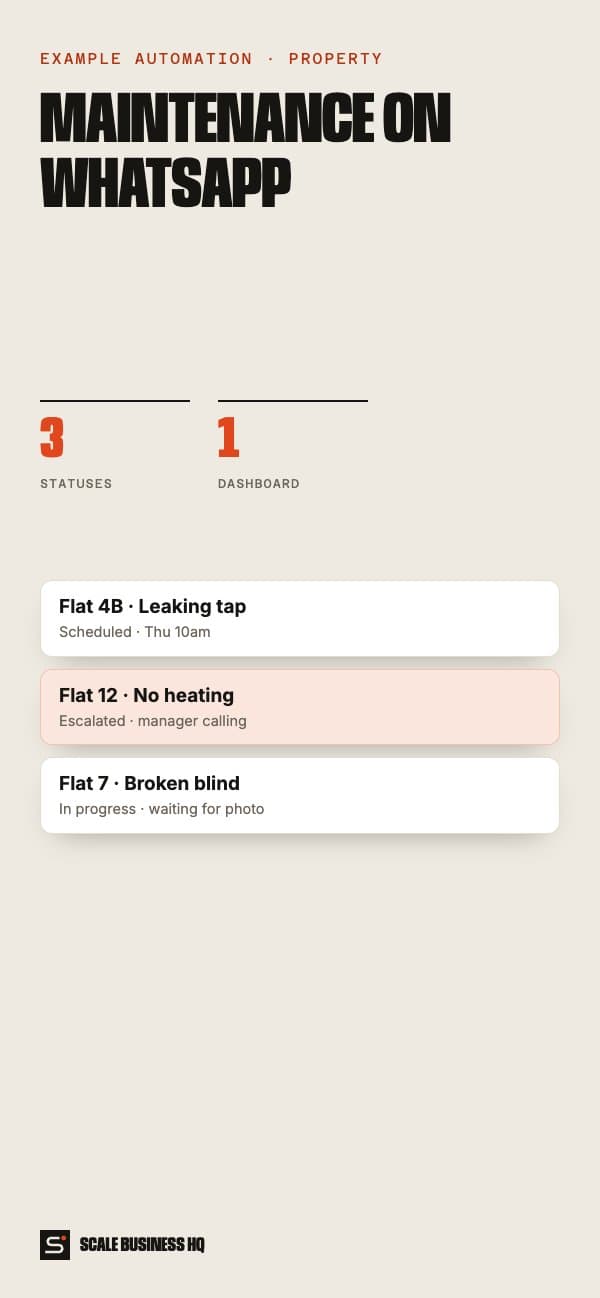
- Flat 4B · leak under sinkScheduled · Thu 10am
- Flat 12 · no heatingEscalated · manager calling
- Flat 7 · broken blindIn progress · waiting for photo
Names, messages and figures in these examples are fictional sample data.
03 — What it changes for your business
Complete requests, first time
The follow-up questions are asked automatically.
No duplicate tickets
Repeat reports join the original request.
Urgent issues stand out
Escalations are clearly marked for a person.
Full history for every job
Every message is attached to the request.
04 — What you need
You provide
- Your properties and tenants
- What should always be escalated
- Contractors and their availability
Accounts we connect
- WhatsApp number
- The request form
- A database for requests
Decisions to make
- Which jobs can be scheduled automatically
- Who receives escalations
- What tenants are told and when
05 — How set-up works
- Day 1
Discovery call
We go through how you work today, what the automation should handle and what it must never do.
- Week 1
Build and connect
I set up the request form, WhatsApp follow-up and dashboard, and load your properties and tenants.
- Week 2
Test together
We report test problems as tenants, from dripping taps to no heating, and check each route.
- End of week 2
Go live
It goes live with real customers. I watch the first week closely and adjust the wording and rules.
06 — Questions owners ask
Do tenants need an app?
No. A web form and WhatsApp are all they use.
Can urgent issues bypass the follow-up?
Yes. Issues you mark as urgent, such as no heating or flooding, go straight to a person.
What if it gets something wrong?
It works from your own information, hands over anything it isn't sure about, and every conversation is logged so you can see exactly what was said and fix the rule.
What does it cost to run?
Running costs are the messaging and AI usage, usually a small monthly amount at a small business's volume. Set-up is a one-off cost. I give a fixed quote after the discovery call.
Want to see this working for your business?
Book a live walkthrough