An AI receptionist for HVAC, plumbing and electrical businesses that answers every call
01 — The challenge
Calls come in while everyone is on a job. Missed calls go to voicemail and the customer rings the next company. Emergencies like a gas smell or a flooded kitchen wait in the same queue as routine quotes, and reminders and review requests depend on someone remembering.
- 24/7calls and messages answered
- 4channels: phone, SMS, WhatsApp, web chat
- Livecalendar check before booking
- 0jobs typed in by hand
02 — How it works, step by step
CustomerAISystemYour team
- 01Customer
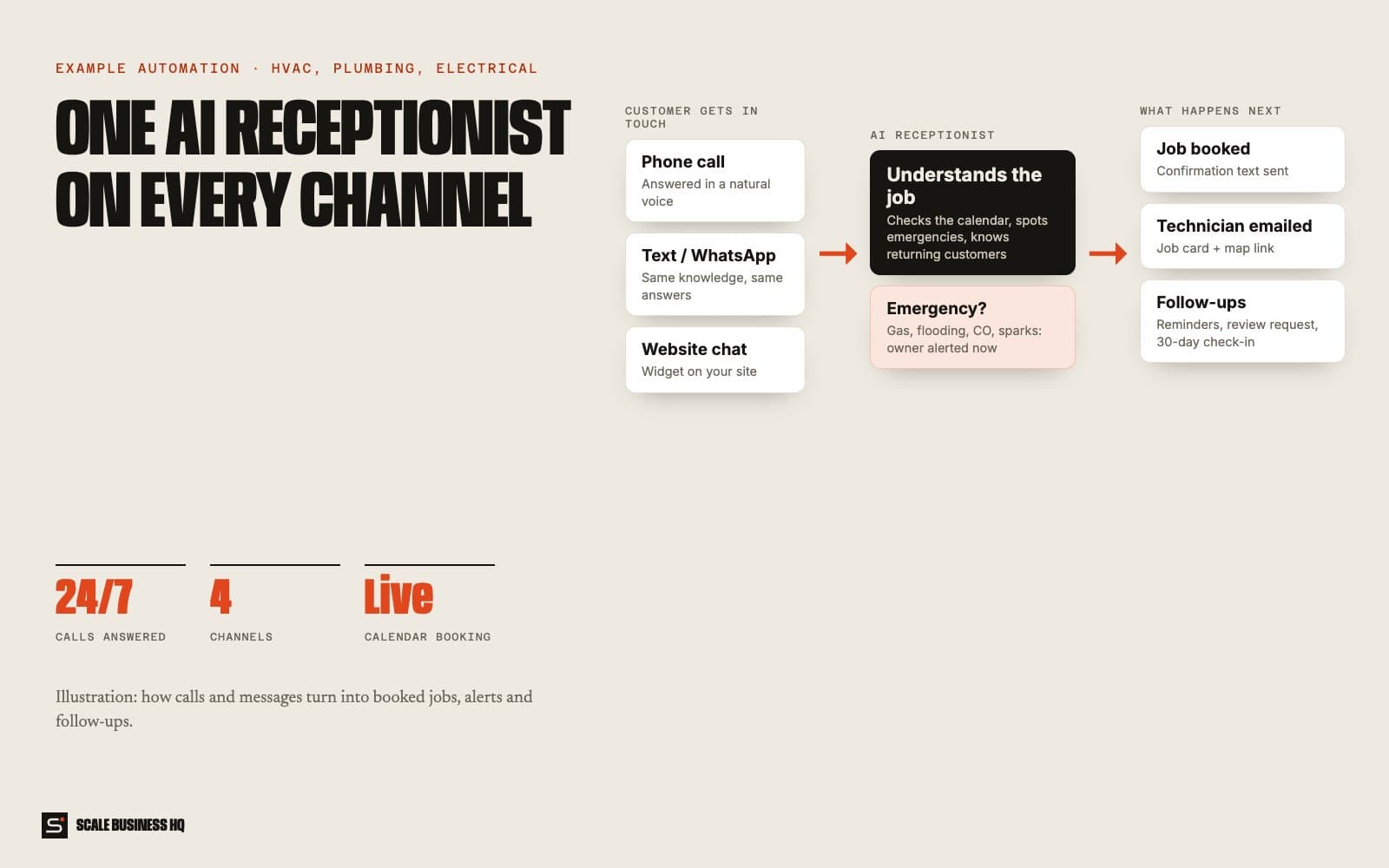
A customer gets in touch, any way they like
They call your normal number, text, send a WhatsApp or use the chat on your website. It might be 7pm on a Tuesday or Sunday morning. All four channels go to the same receptionist with the same knowledge.
- 📞 Phone callAnswered in a natural voice, first ring
- 💬 SMS or WhatsAppReplied to in seconds
- 🌐 Website chatA small chat box on your site
- 02AI
The receptionist works out what they need
It asks what the problem is, where they are and how urgent it is, the same way your best office person would. If they've used you before, it recognises them and refers to the last job.
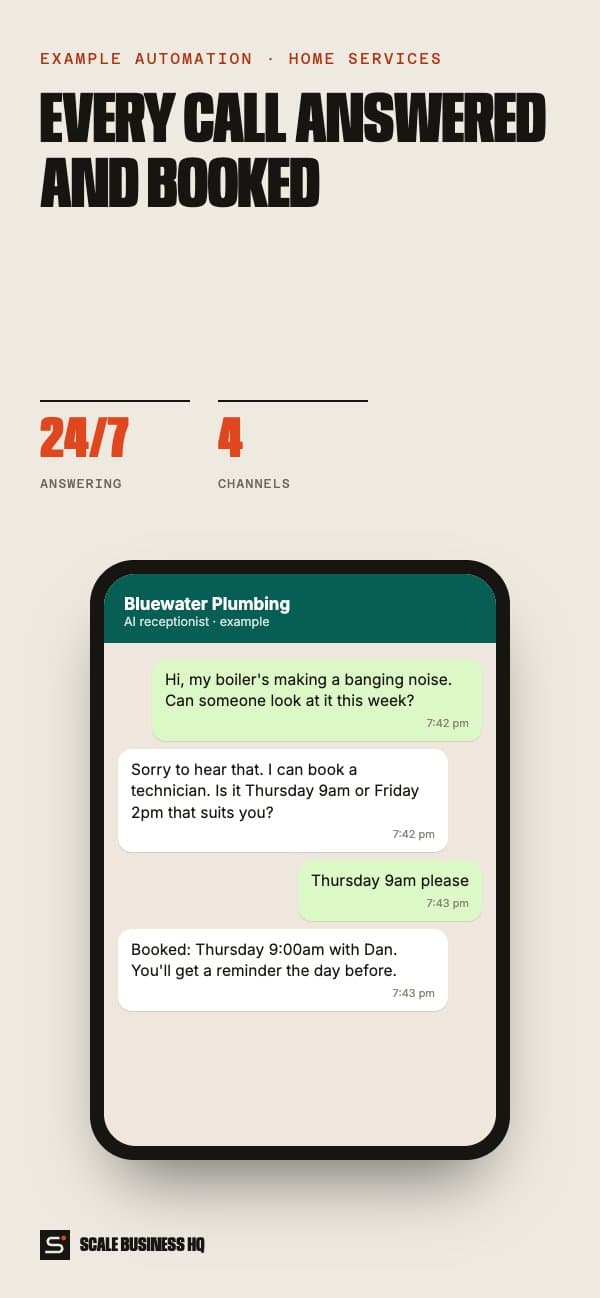
Bluewater PlumbingText message · exampleHi, my boiler's making a banging noise. Can someone look at it this week?
Sorry to hear that. Is the heating still working, and what's the address?
Still works, just noisy. 14 Elm Road
- 03AI
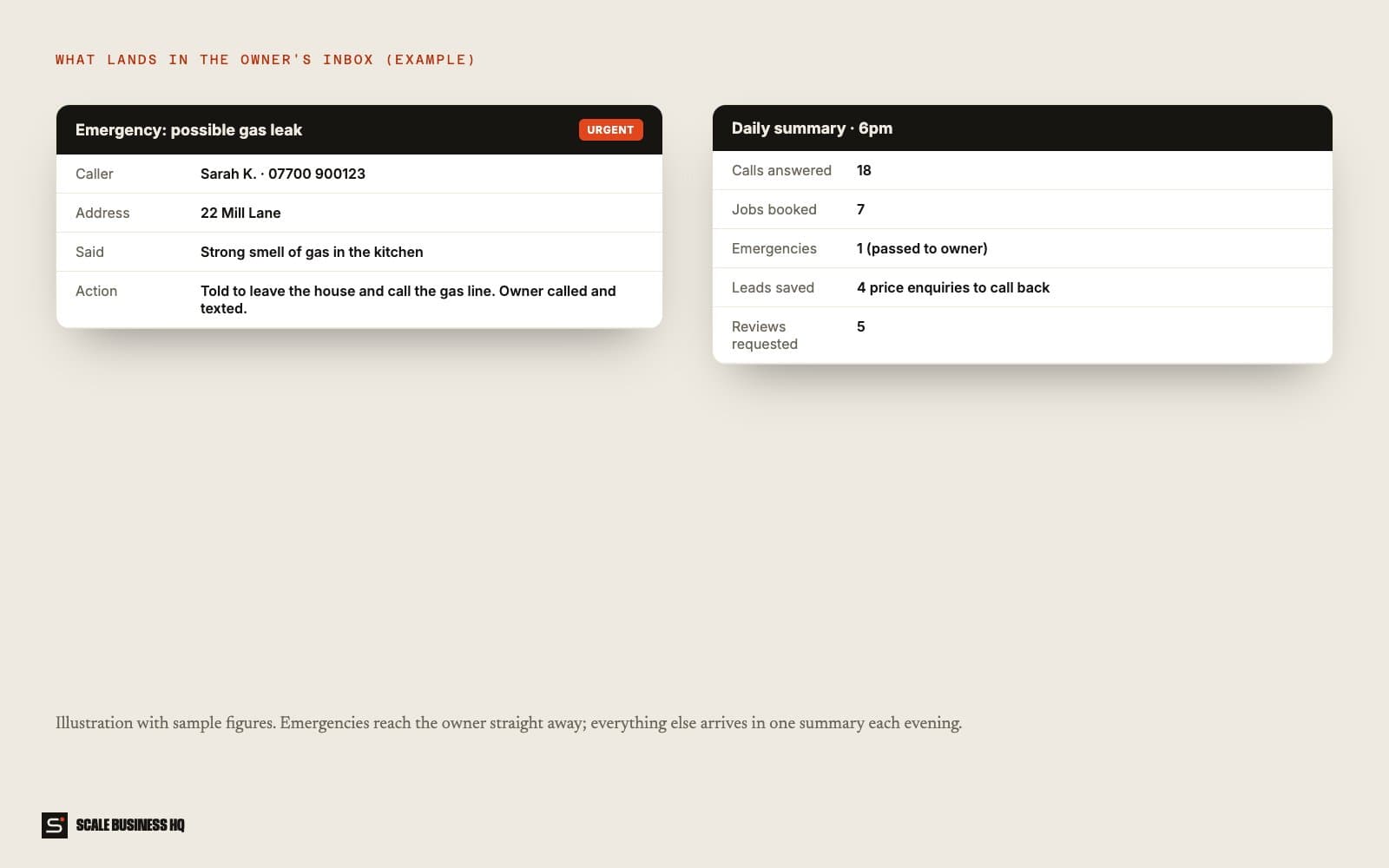
Emergencies go straight to you
If the customer mentions a gas smell, flooding, carbon monoxide, sparks or burning, the receptionist gives them the safety advice you've approved and alerts the owner by text and phone call immediately. It never tries to book an emergency into next Thursday.
Emergency alertURGENT- Caller
- Sarah K.
- Address
- 22 Mill Lane
- Said
- Strong smell of gas in the kitchen
- Told to
- Leave the house and call the gas line
- Owner
- Texted and called
- 04System
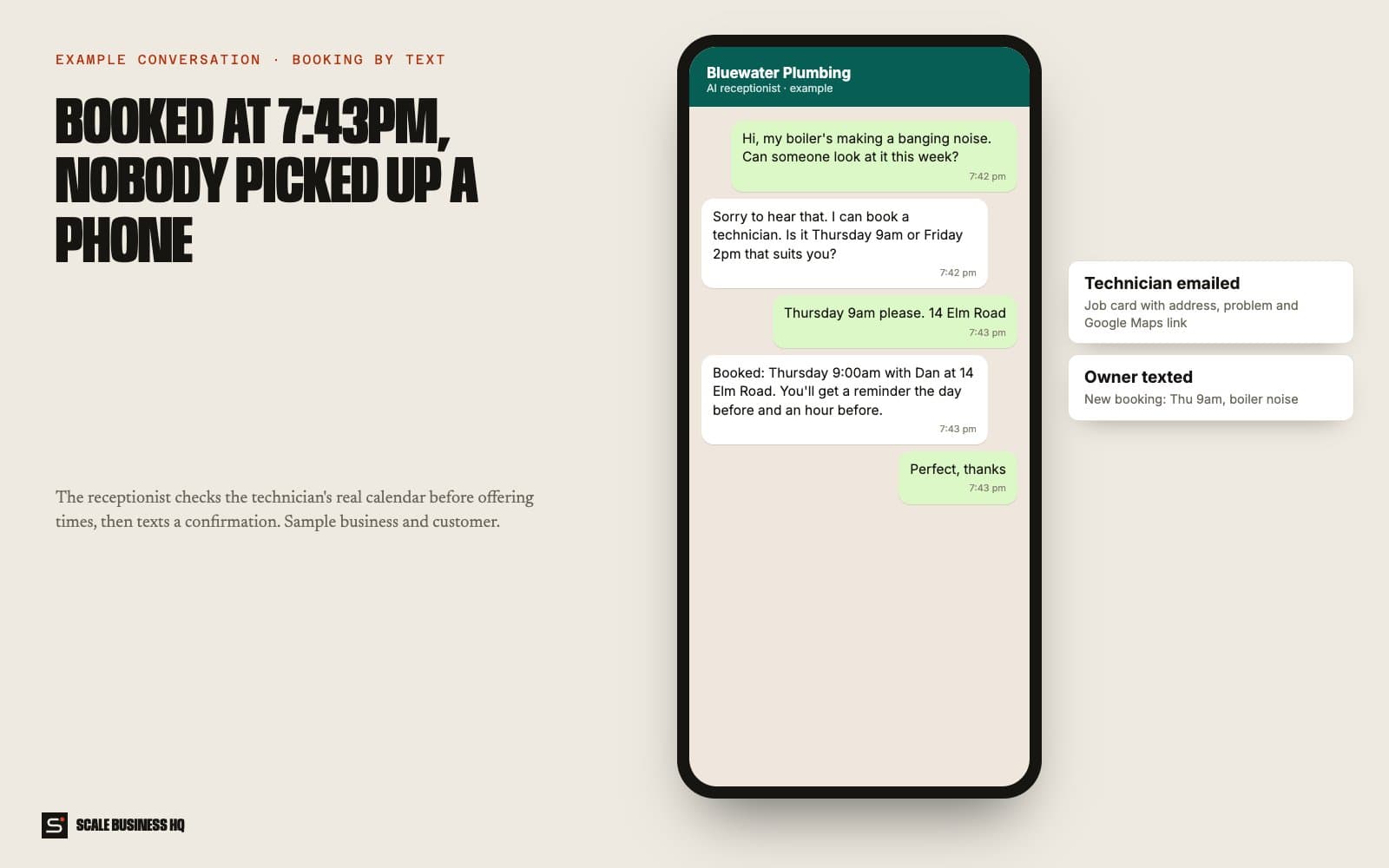
It checks the real calendar and books the job
For normal jobs it looks at each technician's actual calendar, offers two times that are genuinely free, and books the one the customer picks. A confirmation text goes out straight away.
Bluewater PlumbingText message · exampleDan can come Thursday 9am or Friday 2pm. Which suits you?
Thursday 9am please
Booked: Thursday 9:00am with Dan at 14 Elm Road. We'll remind you the day before.
- 05Your team
The technician gets a job card
The technician receives an email with everything they need: customer name, number, address with a map link, the problem in the customer's words, and any history from past jobs.
Job card · Thu 9:00am- Customer
- Tom H. · 07700 900123
- Address
- 14 Elm Road · map link
- Problem
- Boiler banging, heating still works
- History
- Boiler serviced March last year
- 06System
Reminders, reviews and check-ins send themselves
The customer gets a reminder the day before and an hour before. Four hours after the job, a review request with your Google link. A month later, a short check-in text. Nobody in the office has to remember any of it.
- Day before: reminder
- 1 hour before: on-our-way reminder
- 4 hours after: review request
- 30 days after: check-in text
- 07Your team
You get one summary every evening
At 6pm the owner gets an email: calls answered, jobs booked, emergencies, price enquiries saved as leads to call back, and reviews requested. Leads who weren't ready to book are saved, not lost.
Daily summary · 6pm (sample)- Calls answered
- 18
- Jobs booked
- 7
- Emergencies
- 1 (passed to owner)
- Leads to call back
- 4
- Reviews requested
- 5
Names, messages and figures in these examples are fictional sample data.
03 — What it changes for your business
No more jobs lost to voicemail
Every call and message gets an answer while the customer is still deciding who to ring.
Emergencies reach you in seconds
Urgent calls skip the queue and go straight to the owner, with the details already taken.
Your office time back
Booking, confirming, reminding and chasing reviews happen without anyone typing them.
More reviews, steadily
Every finished job gets a review request at the right moment, not when someone remembers.
Technicians arrive prepared
Every job card has the address, the problem and the history, so there's no ringing back for details.
Nothing slips through
Price shoppers and hesitant callers are saved as leads with their details, ready to follow up.
04 — What you need
You provide
- Your services, service area and starting prices
- What counts as an emergency, and what the customer should be told
- Technicians' names and working hours
- Your Google review link
Accounts we connect
- A phone number for calls and texts (your existing one can forward to it)
- Google Calendar for each technician
- An email address for job cards and summaries
- WhatsApp Business (optional)
Decisions to make
- Which jobs it can book on its own, and which need a quote first
- When it should hand a call to a person
- How the receptionist introduces itself
05 — How set-up works
- Day 1
Discovery call
We go through your services, area, emergencies and how you like customers spoken to.
- Week 1
Build and connect
I set up the receptionist, connect your number, calendars and email, and write its script.
- Week 2
Test together
You and your team call and text it with real scenarios. We fix anything that sounds wrong.
- End of week 2
Go live
Calls start flowing to it. I watch the first week closely and adjust.
06 — Questions owners ask
Will customers know they're talking to an AI?
They should, and the receptionist says so in its greeting. Most people care far more about getting a fast answer and a booking than about who answered.
Can I keep my current phone number?
Yes. Your existing number forwards to the receptionist, either all the time or only when nobody picks up.
What if it gets something wrong?
It only books into slots that are genuinely free, it hands over anything it isn't sure about, and every conversation is logged so you can see exactly what was said.
What does it cost to run?
Running costs are the phone line, messages and the AI usage, usually a small monthly amount at a typical small business's call volume. Set-up is a one-off cost. I'll give you a fixed quote after the discovery call.
Want to see this working for your business?
Book a live walkthrough