An AI front desk for roofing, solar and pest control: every call and message in one inbox
01 — The challenge
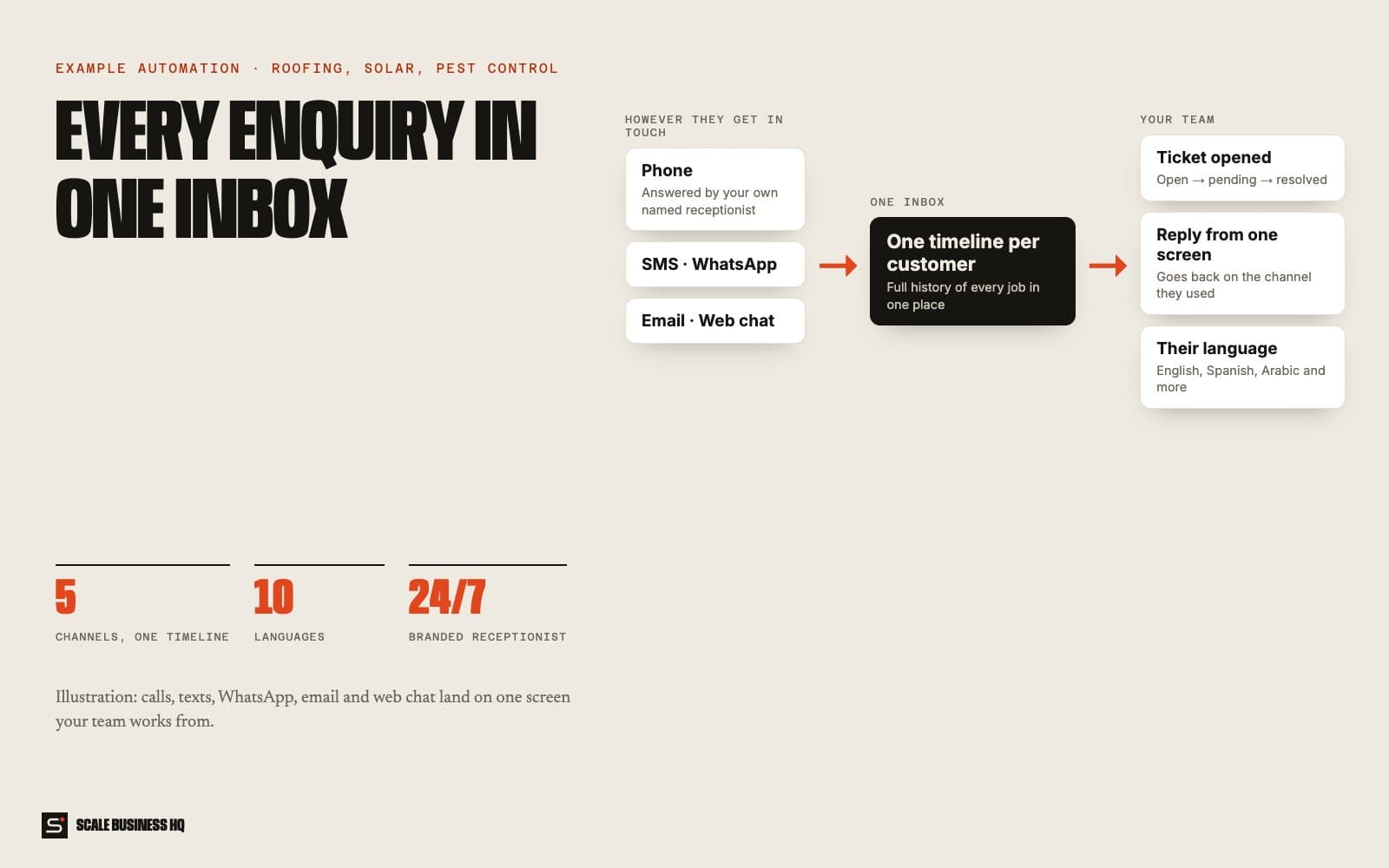
Enquiries arrive by phone, text, WhatsApp, email and the website, and each lives in a different app. Messages get missed, two people answer the same customer, and nobody can see the full history of a job.
- 5channels, one timeline
- 10languages
- 24/7branded receptionist
- Owndata and AI accounts
02 — How it works, step by step
CustomerAISystemYour team
- 01Customer
Customers get in touch however they like
Phone, text, WhatsApp, email or the website chat. They don't need to know which one you prefer.
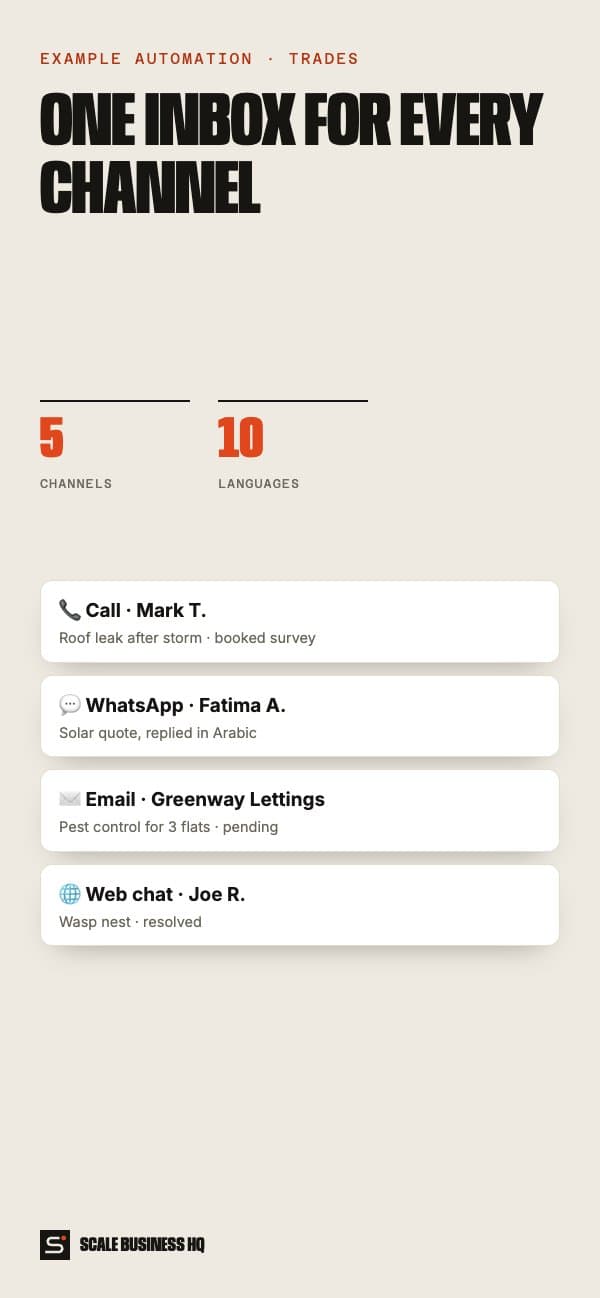
- 📞 CallRoof leak after the storm
- 💬 WhatsAppSolar quote, in Arabic
- ✉️ EmailPest control for three flats
- 🌐 Web chatWasp nest by the back door
- 02AI
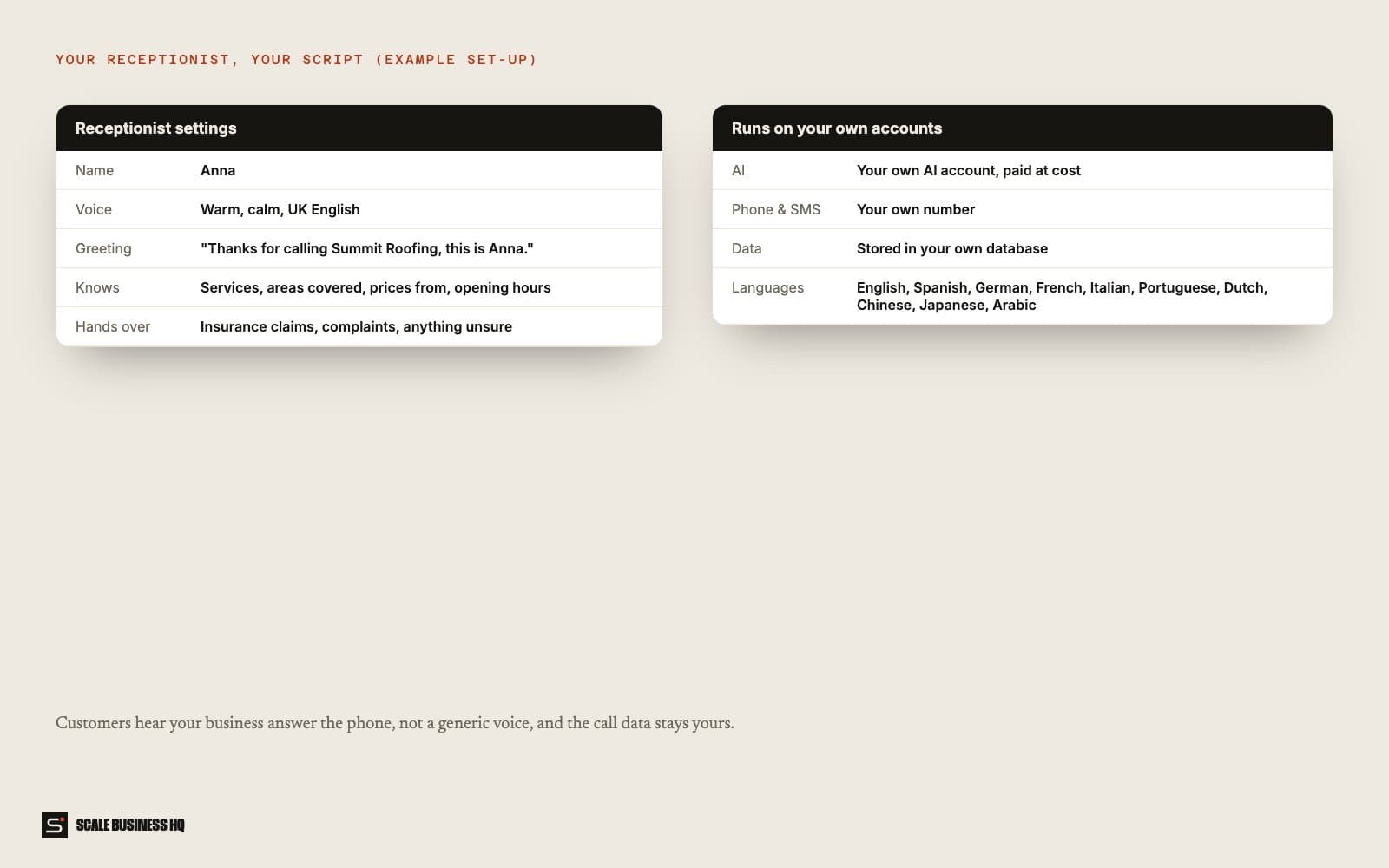
Your own named receptionist answers the phone
Callers hear your business's receptionist, with the name, voice and script you choose, and answers from your own knowledge base.
Receptionist settings (example)- Name
- Anna
- Greeting
- "Thanks for calling Summit Roofing, this is Anna."
- Knows
- Services, areas, prices from, hours
- Hands over
- Insurance claims, complaints
- 03System
Everything lands on one timeline per customer
Every call and message from the same customer is grouped together, so anyone on the team sees the full history.
- 04System
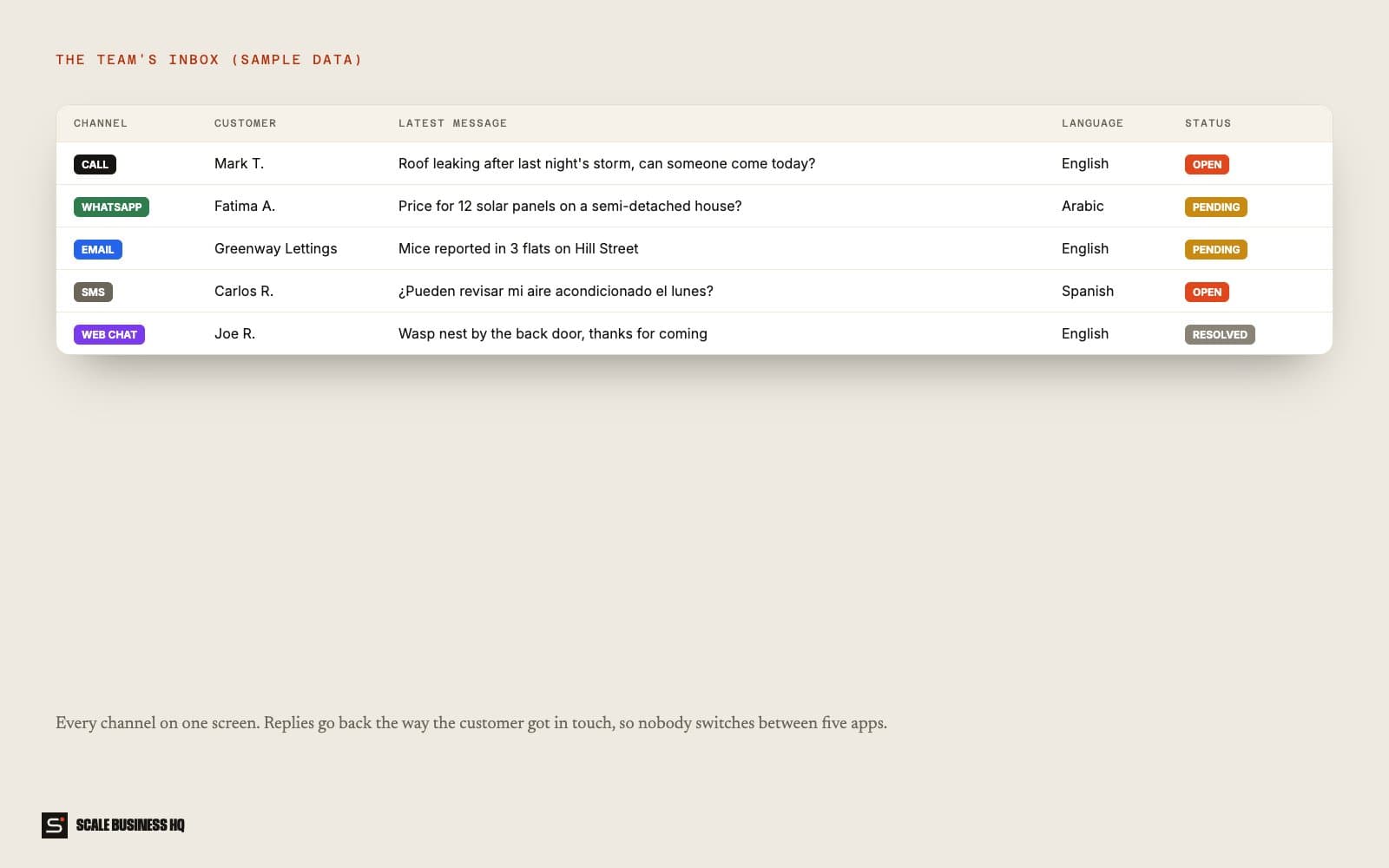
Messages become tickets with a status
Each enquiry is a ticket marked open, pending or resolved, so nothing gets answered twice or not at all.
- Mark T. · roof leakOpen
- Fatima A. · solar quotePending
- Joe R. · wasp nestResolved
- 05Your team
Reply from one screen, on their channel
Your reply goes back through the channel the customer used: text to text, WhatsApp to WhatsApp, email to email.
- 06AI
In the customer's language
The dashboard and conversations work in ten languages, including Spanish, French, Arabic and Chinese.
Names, messages and figures in these examples are fictional sample data.
03 — What it changes for your business
Nothing lost between apps
Every enquiry is in one place, whatever the channel.
A receptionist that sounds like you
Your name, your script and your knowledge, not a generic voice.
Serve customers in their language
Useful in mixed-language areas and for international clients.
Your data stays yours
It runs on your own accounts, with no per-seat software fee.
04 — What you need
You provide
- Receptionist name, voice and greeting
- Services, areas covered and starting prices
- Who handles which type of enquiry
Accounts we connect
- Phone number
- WhatsApp Business and SMS
- Email inbox and website chat
- Your own AI account
Decisions to make
- What the receptionist hands to a person
- Which languages to switch on
- Who can see which tickets
05 — How set-up works
- Day 1
Discovery call
We go through how you work today, what the automation should handle and what it must never do.
- Week 1
Build and connect
I set up the receptionist and inbox, connect every channel and load your knowledge base.
- Week 2
Test together
Your team sends test enquiries on every channel and in more than one language, and replies from the inbox.
- End of week 2
Go live
It goes live with real customers. I watch the first week closely and adjust the wording and rules.
06 — Questions owners ask
Will customers know it's automated?
They should, and it says so up front. People mostly care that they get a fast, accurate answer and can reach a person when they need one.
Do we have to change our phone number?
No. Your existing number forwards to the receptionist.
What if it gets something wrong?
It works from your own information, hands over anything it isn't sure about, and every conversation is logged so you can see exactly what was said and fix the rule.
What does it cost to run?
Running costs are the messaging and AI usage, usually a small monthly amount at a small business's volume. Set-up is a one-off cost. I give a fixed quote after the discovery call.
Want to see this working for your business?
Book a live walkthrough